God rays effect
Cast rays of light from the top of the screen. This won't work well if shown on top of the background color of the scene. Be sure to use an object acting as a background or a floor.
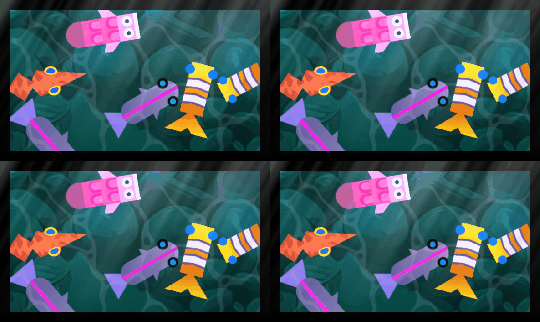
The rays animate continuously (you can slow them down, speed them up or pause them). You can set the angle the rays come from and their source position, and choose between parallel rays (like distant sunlight) or rays spreading from a point (like a spotlight). This is a 2D-only effect, typically applied to a layer to light a whole scene.
Reference
All effects are listed in the effects reference page.